Dashboard overview
The SecureAuth Identity Platform dashboard provides real-time visibility into authentication activity, user profiles, device enrollments, and platform services. Dashboard data covers all browser workflow transactions and can include API transactions if you use the /authenticated endpoint with a request ID.
Dashboard metrics also include transactions from SecureAuth RADIUS Server and Login for Endpoints, covering logins for VPNs, remote server access, and endpoint desktop access to Windows and Mac.
Dashboard tabs
The dashboard organizes metrics into four tabs:
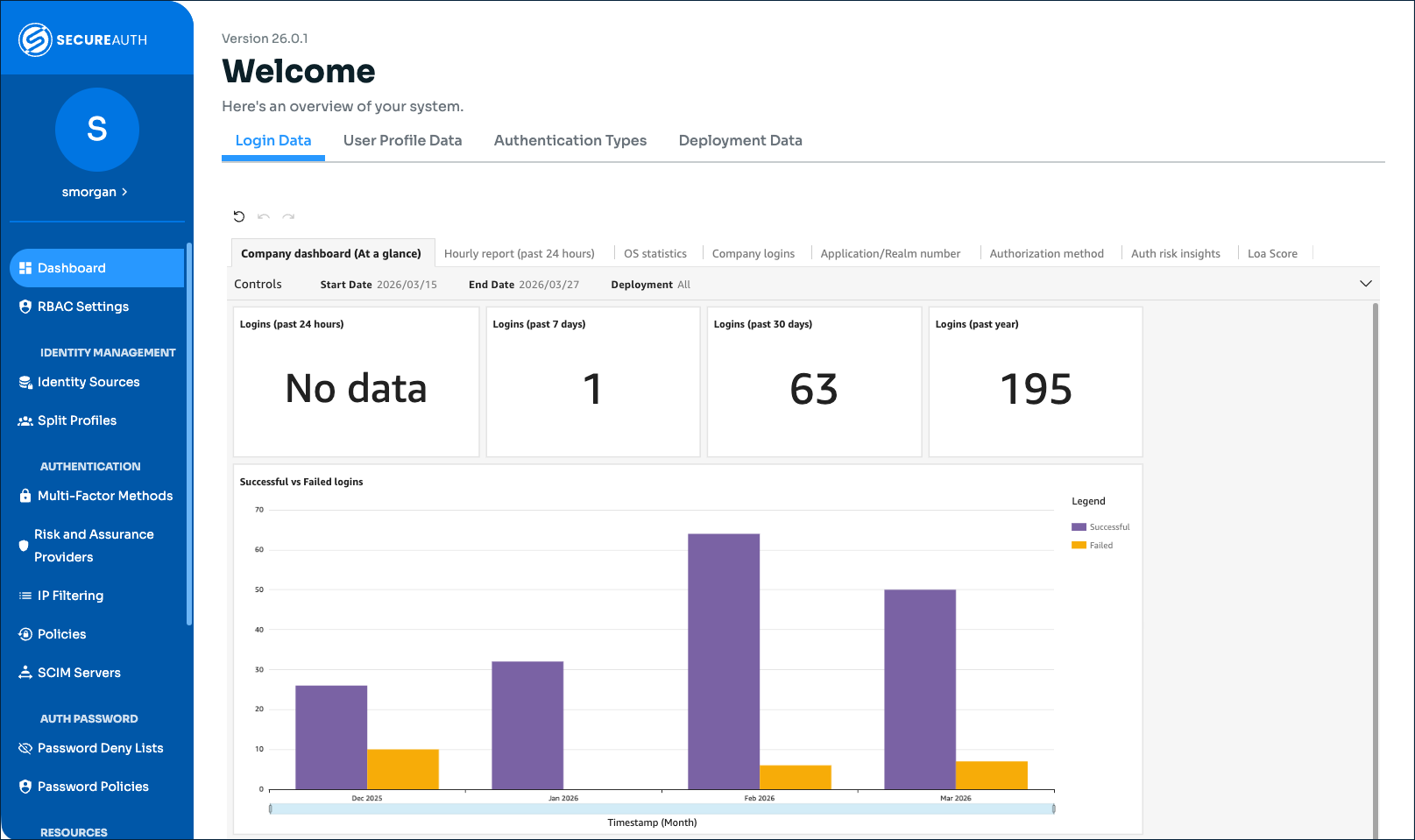 |
Dashboard view
Tab | What it shows |
|---|---|
Login Data | Login volume, success and failure trends, operating system and application breakdowns, authentication method usage, LOA scores, and authentication risk insights. See Dashboard: Login Data overview. |
User Profile Data | Cloud profile data for each username, including access history, digital fingerprints, push tokens, and OATH tokens. See Dashboard: User Profile data overview. |
Authentication Types | Enrolled mobile devices, enrolled authenticator devices (FIDO, YubiKey), and push notifications blocked by users. See Dashboard: Authentication Types overview. |
Deployment Data | Product versions for services deployed with your Identity Platform tenant. See Dashboard: Deployment Data overview. |
Using the dashboard
Dashboard data refreshes every 3 hours. Refresh the page to get the latest data.
Note
Until the Identity Platform is in production with active users, you may see a 404 error or have limited data.
Some tabs have filter options. Click the gray Controls bar beneath each tab to set a date range or sort by category.
Click on individual bars in bar graphs to drill down into specific data points (up to 3 months from the current date).
Hover over any point in a graph to see a summary of that data point.
Hover over any graph and click the three dots to access Menu options, including View summary data and Export to CSV.